
Name-Based Case Searches
Colorado's free Colorado Judicial Branch Docket Search opens with Saguache already selected as county value 55. It searches scheduled hearings, not the whole case history. Choose Individual for a person, Business for an organization. A party search uses a first and last name. The attorney search accepts a lawyer's name or a one-to-six-digit bar number. Filtering by court type, date span, and case class trims false matches. Common names still return several settings. Compare the complete case number and the court listed before assuming a match. Start with a short date span. Results can be printed or exported, but they stay calendar snapshots rather than a Register of Action. If an old printout differs, the live court setting controls.
- Open the county-filtered docket search and select County, District, or Both.
- Choose Individual or Business, then enter the known name fields.
- Set a useful date range, starting with one week and expanding only as needed.
- Compare case number, hearing type, location, appearance type, and courtroom.
- Ask the Saguache clerk for the ROA when the hearing card is not enough.
| Field | Type | Required | Use |
|---|---|---|---|
| County | Dropdown | No | Saguache is preselected at the local link |
| Court Type | Dropdown | No | Both, County, or District |
| Date Range | Dropdown | No | Today through six months, or a specific date |
| Party | Radio and text | No | Individual first/last name or business name |
| Attorney | Radio and text | No | Name or bar number |
Saguache County Docket Value 55
Colorado's docket tool covers courts statewide. That is why the county-filtered link matters. With Saguache not locked in, a hearing at another court in the 12th Judicial District can look like a Saguache County setting. The courthouse field then names Saguache Combined Court. Court Type separates the County Court calendar from the District Court calendar.
The Colorado court-record search gateway explains the larger system and spells out what each search channel covers. It answers a schedule question only. Charges, motions, disposition, balances, and document images never appear in the free docket route, a design limit rather than a failed search.
The capture helps distinguish the official starting point from unrelated record sites.
Case Number Searches
Every local case number follows one shape. A four-digit year comes first, then a class code, then a one-to-six-digit sequence. The pattern 2026-CR-123 tells you the filing year, the criminal class, and the running sequence. The web form splits those parts into separate fields. So type each part where it belongs.
Class matters most. CR means criminal, T traffic, DR domestic relations, PR probate, S small claims, CV or C civil, and CW water. The two Saguache courts share a building. They do not share jurisdiction. A correct year and sequence paired with the wrong class can return nothing at all. If the number is incomplete, run a party search or contact the clerk with the facts you know.
Saguache Docket Classes in Plain Terms
Class codes are routing tools. They steer a Saguache County docket search to the right calendar, and they say nothing about how a case turns out.
- CR
- A District Court criminal case, usually a felony matter.
- T or R
- Traffic-side classes used by the public calendar for County Court matters.
- CV or C
- General civil classes, with court level determined by claim type and limits.
- DR
- A domestic-relations case, some parts of which may have remote access limits.
- CW
- A Water Division 3 case tied to the Rio Grande Basin.
Saguache County runs both County Court and District Court functions at the Combined Court. Municipal ordinance cases stay with the town court. They may not appear in a county docket search.
Saguache Water Case Searches
Water cases are easy to miss. Saguache water matters use CW, and Water Division 3 handles the Rio Grande Basin from Alamosa. The division dates to 1969. It has since received more than 6,500 cases. Its FY2024 work included 32 filings affecting 103 structures. Those figures describe the regional water docket, not ordinary County Court traffic or civil work. Keep the case class and division in view during a CW search. Use the Water Referee virtual-room information only once the court notice or the clerk confirms it.
Case Search Results Explained
A result card is one hearing entry. It carries enough detail to identify the event and prepare a date check. It is not a complete ROA. Read every field. A blank appearance type must stay blank in your mind, since it is not permission to attend by video. Remote appearance requires court approval, and a livestream is observation only.
| Scheduled date and time | The current listed start, subject to reset or cancellation. |
|---|---|
| Duration | The amount of calendar time assigned to the setting. |
| Caption and case number | The identifiers used to distinguish similar names and request an ROA. |
| Hearing type | Labels such as First Appearance, Status Conference, Plea Hearing, or Setting. |
| Location and courtroom | Saguache location plus the room code shown by the calendar. |
| Appearance type | Remote or in-person information when the court has supplied it. |
The result card leaves plenty out. Charges, attorneys, filings, judgment, payment, and reset history never appear there. Request the register or selected papers to learn those facts.
Interpreters for Saguache Case Settings
Search results identify the hearing. They do not arrange language access. Contact the clerk or district as soon as the need is known, giving the case number and the scheduled event. The Colorado Judicial Branch interpreter service page explains how to request that help through the official channel.
An interpreter request is separate from the docket lookup. It never changes the public case record.
Two Ways to Search: County and State
There is no one-stop portal. No single free Colorado option hands out every filing image and the full ROA. Saguache County case access runs on several layers instead. Pick the channel that matches your question.
| Channel | Best use | Limit |
|---|---|---|
| Judicial Docket Search | Upcoming Saguache hearings | Calendar only, free and no login |
| CoCourts | Real-time trial-court ROA by name or number | Paid vendor, no filed document images |
| Colorado Courts E-Filing | Filing and service by authorized users | Not a general public record viewer |
| Combined Court clerk | Official ROA, filings, older records, certification | Processing and assessed fees may apply |
Need the document behind a result? The Saguache County court case records process explains how to request filings from the clerk. That clerk route is also the fallback when a docket search keeps coming back blank.
Six-Month Saguache Search Limits
The free search only covers six months of scheduled events. Anything older, or any case with no future hearing, may simply not show up. Off-site storage can also hide a file. Before assuming a case is missing, check the spelling, year, class, sequence, court type, and date range you typed. If nothing turns up, try CoCourts for a chronological register. The clerk is the last stop. Send the official Record/Document Request Form, email SaguacheClerk@judicial.state.co.us, call 719-655-2522, mail P.O. Box 197, or come to the counter at 501 4th Street during weekday public hours.
No result is not proof of no case. Date limits, suppression, case class, spelling, municipal custody, and older storage can each explain an empty Saguache County docket search.
Saguache Docket Exports Stay Snapshots
Searching is not the same as seeing. The free calendar lets you filter by courthouse, court type, division, party, attorney, and case-number parts. Results, though, leave out charges, disposition, attorneys, financials, and filed PDFs. Export Results and Printable Version keep your chosen settings, but neither one builds an ROA. When a case has no future event, ask the clerk or pay for a CoCourts register search instead. And if two events look alike, compare the full case number and call the clerk rather than trusting a similar caption.
Census data is handy for confirming place names, yet it cannot identify a court case. The 2020 Census dataset page is the official record behind local place validation.
That source keeps Saguache County and its towns straight. It matters most when a municipal case never appears on the county calendar.
Which Cases Stay Restricted
Chief Justice Directive 05-01 controls who may view Colorado court records. Sealed files stay closed without authority or a court order. Juvenile cases can be confidential under Title 19. Probate details, personal identifiers, judicial work product, and other excluded information may be withheld or redacted too. What you can see at the counter is not always what you can see remotely.
Expect the clerk to ask for government photo identification. That ask covers requests for suppressed, juvenile, probate, or confidential material. It is not proof the record is public. It is how the office tests whether you are authorized. Access rests with the court, under law and court order, not with any vendor.
Older and Federal Saguache Records
Older Saguache files may sit off site, and retrieval comes at actual cost. The 1910 courthouse fire burned much of the record run. So historical researchers should turn to the clerk and Colorado State Archives finding aids rather than assume a continuous digital set. Give staff the year, class, party names, and any known sequence. Then they can locate the right record.
Federal cases do not live in the Saguache state docket. They live in PACER. An assigned PACER fee announcement details a federal pricing change effective in 2027.
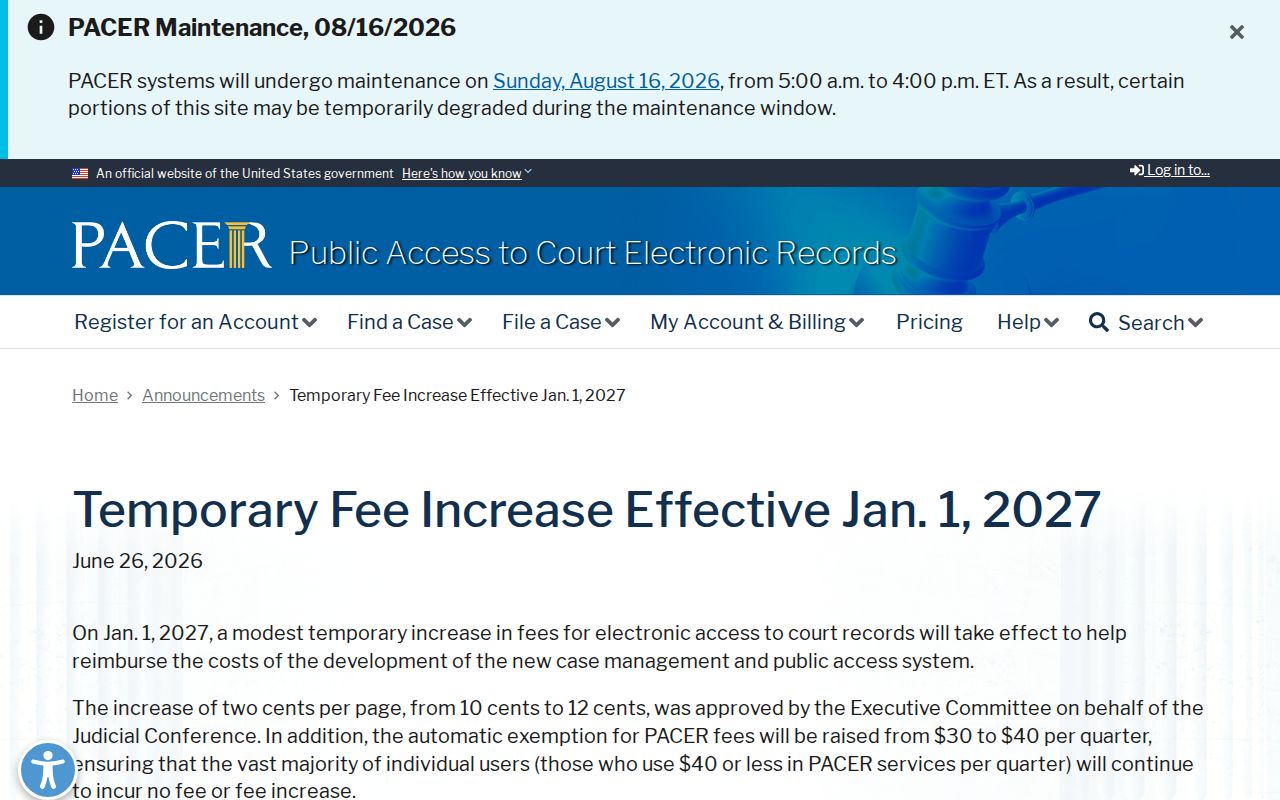
The federal notice is a useful reminder. A District of Colorado case belongs in PACER, while Saguache County state cases stay in Colorado's state and clerk channels.
Saguache E-Filing Case Access
Colorado Courts E-Filing is the statewide route for filing and serving documents. Attorneys and other authorized filers use it. It is one layer of the modern Saguache record system. It sits beside the free Judicial Branch hearing calendar, paid real-time ROA access, and the clerk request channel.
A non-attorney can register. They may ask the court to opt into an eligible case of their own. If the court approves, you gain document access in that one case. That approval does not create a public name-search account. It opens no other Saguache case files.